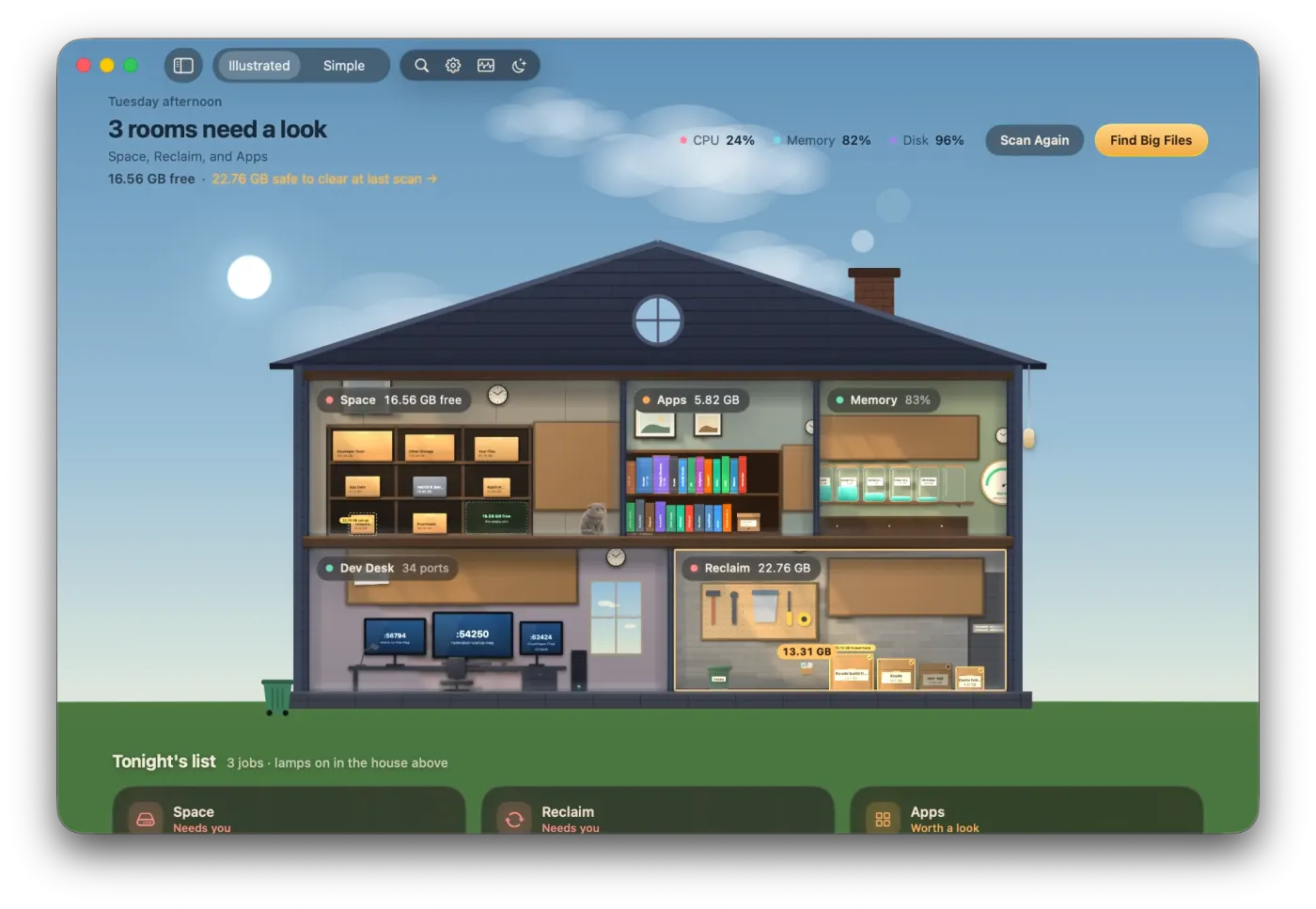
Clean House
vm_bundles is a Linux virtual machine the Claude desktop app uses to run code. On my Mac it was 12 GB, most of the 14 GB Claude folder. The bulk is a 10 GB disk image with a 1.5 GB compressed copy next to it. Quit Claude before touching it, and move it to the Trash rather than deleting it, in case the app wants it back.
- Path
~/Library/Application Support/Claude/vm_bundles- What it is
- A virtual machine (
claudevm.bundle) the Claude app runs code in - Size on my Mac
- 12 GB (measured 25 November 2026)
- Made by
- Claude desktop app
- Safe to delete?
- Look first
- Comes back?
- Probably, when the app needs it. I haven't tested it yet
What I found inside
| File | Size | What it is |
|---|---|---|
rootfs.img | 10 GB | The VM's disk |
rootfs.img.zst | 1.5 GB | A compressed copy of that same disk |
vmlinuz, initrd | about 90 MB | The Linux kernel and boot files |
sessiondata.img | 10 MB | Session data |
The rest of the Claude folder was small by comparison: claude-code (715 MB), Cache (655 MB) and claude-code-vm (379 MB).
Should you delete it?
The 10 GB disk sits right next to a compressed copy of itself. That tells me the app can probably unpack it again. But that's me reading file names, not something Anthropic documents, and I haven't tried deleting mine yet.
The bit I'd be careful with is sessiondata.img. It's only 10 MB, but it's called session data, and I'm not throwing that out until I know what's in it.
If you never use the features that run code and you really need the 12 GB, do it the safe way.
The safe way to try it
- Check the size:
du -sh ~/Library/Application\ Support/Claude/vm_bundles - Quit Claude completely.
- Move
claudevm.bundleto the Trash. Don't empty the Trash. - Use Claude normally for a few days. If anything breaks, drag it back.
What Clean House does with it
Clean House labels this as Claude's virtual machine, shows the disk and its compressed copy separately, and marks it Look first. It only ever moves things to the Trash, so you can put it back.