Clean House
state.vscdb is the database where Cursor keeps its app-wide state, including your AI chat and agent history. Mine was 7.8 GB: about 3.8 GB of chat messages and 3 GB of agent data. Don't delete the file. Clear old chats in Cursor, quit it, then compact the file.
- Path
~/Library/Application Support/Cursor/User/globalStorage/state.vscdb- What it is
- Cursor's state database, including chat and agent history
- Size on my Mac
- 7.8 GB (measured 25 November 2026)
- Made by
- Cursor
- Safe to delete?
- Keep; trim from inside Cursor
- Comes back?
- The file does, empty. Your chat history doesn't
What was taking the space
I opened my copy read-only to see what was in it. Grouped by type:
| Data | Size | What it is |
|---|---|---|
bubbleId: | about 3.8 GB | Individual chat messages |
agentKv:blob: | about 3 GB | Agent data, like file contents and tool output |
composer.content | about 270 MB | Composer content |
checkpointId: | about 230 MB | Checkpoints you can roll an agent back to |
So it's not junk. It's every conversation I've had with the AI in that editor.
Why you shouldn't just delete it
Cursor makes a fresh empty file if this one disappears, so the app still opens. But every past chat is gone, along with whatever else it was keeping there. If you really want a clean slate, quit Cursor and move the file to the Trash so you can change your mind.
How to shrink it properly
- Check the size:
du -sh ~/Library/Application\ Support/Cursor/User/globalStorage/state.vscdb - In Cursor, delete the chats and agent runs you don't need.
- Quit Cursor, then compact the file:
sqlite3 ~/Library/Application\ Support/Cursor/User/globalStorage/state.vscdb "VACUUM;"
Make a copy of the file before running VACUUM, and never run it with Cursor open. Mine had no free space inside, so VACUUM only helps after you've deleted chats.
What Clean House does with it
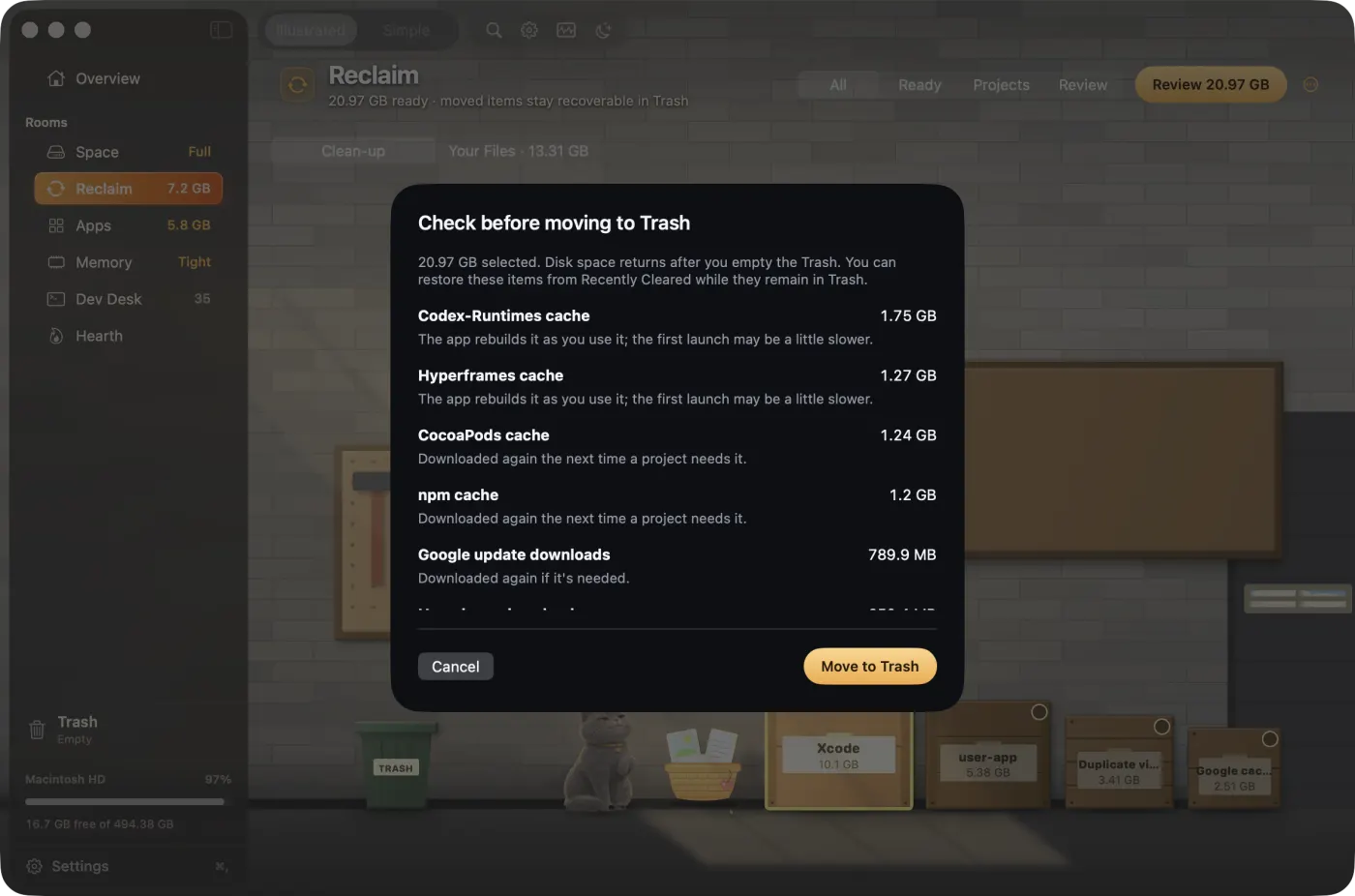
Clean House shows this as Cursor's chat history instead of a random database, marks it Keep, and tells you to clear chats in Cursor rather than deleting the file.