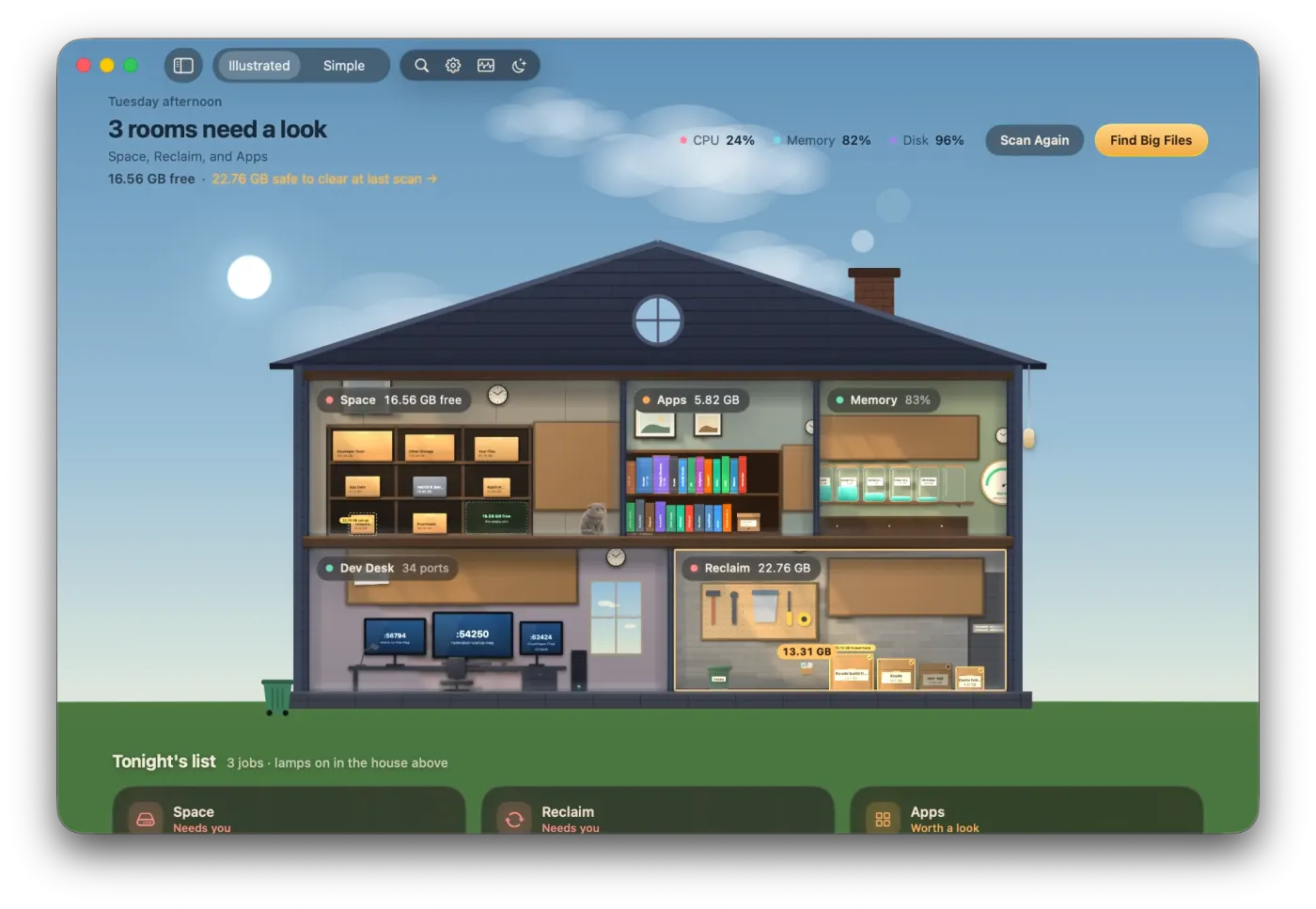
Clean House
~/.claude/projects is where Claude Code saves a transcript of every session, one folder per project. Mine was 4.4 GB across 52 projects, nearly the whole ~/.claude folder. Old transcripts are fine to remove if you won't resume them. Lowering cleanupPeriodDays makes Claude Code clear them sooner.
- Path
~/.claude/projects- What it is
- Claude Code session transcripts, one folder per project
- Size on my Mac
- 4.4 GB (measured 25 November 2026)
- Made by
- Claude Code
- Safe to delete?
- Look first: old sessions yes, settings no
- Comes back?
- No. A deleted transcript can't be resumed
What's in there
Every project you open with Claude Code gets a folder named after its path. Inside are the session transcripts, which is what claude --resume reads. Long sessions with lots of tool output make the biggest files.
Everything else in ~/.claude is small but important. On my Mac: skills 39 MB, plugins 24 MB, file history 23 MB.
What's safe to remove
Old transcripts. All you lose is the ability to go back to those sessions. Don't delete the whole ~/.claude folder, though. That takes your settings, memory, skills and plugins with it.
How I'd clean it
- See which projects are biggest:
du -sh ~/.claude/projects/* | sort -h | tail - Move folders for projects you're done with to the Trash.
- Set a shorter limit in
~/.claude/settings.json, for example"cleanupPeriodDays": 14.
Keeping it small
Claude Code already deletes old transcripts on its own, based on cleanupPeriodDays. If yours is still big, lower that number. Starting a fresh session for each new task helps too, since one endless session makes one huge file.
One thing I noticed: when you delete a project from disk, its transcripts stay here until the cleanup gets to them. Worth a look after you tidy up old repos.
What Clean House does with it
Clean House lists each project's transcripts with its size and when you last used it, marks old ones Look first, and leaves the rest of ~/.claude out of it. Anything you remove goes to the Trash.