Clean House
~/.codex is where OpenAI's Codex keeps your sessions, a history database, generated images, logs and a cache. Mine was 5.7 GB. Sessions were 3.1 GB and the history database 1.4 GB. The cache and logs are safe to clear, old sessions are fine if you won't resume them, and you should keep your config.
- Path
~/.codex- What it is
- Codex sessions, history, generated images, logs and cache
- Size on my Mac
- 5.7 GB (measured 25 November 2026)
- Made by
- Codex (OpenAI)
- Safe to delete?
- Look first
- Comes back?
- The cache rebuilds. Sessions, history and images don't
The breakdown on my Mac
| Item | Size | What it is | Verdict |
|---|---|---|---|
sessions | 3.1 GB | One file per session | Look first |
thread_history_1.sqlite | 1.4 GB | History of your threads | Keep |
generated_images | 601 MB | Images Codex made | Look first |
cache | 120 MB | Cache | Safe to clear |
logs_2.sqlite | 83 MB | Logs | Safe to clear |
What I'd delete and what I'd keep
Cache and logs, delete whenever. Old sessions, fine if you're not going back to them. Images are gone for good once deleted, so save the good ones first. Don't wipe the whole folder: your config and sign-in are in there too.
How to clean it
- See what's big:
du -sh ~/.codex/* | sort -h - Quit Codex.
- Move old folders out of
~/.codex/sessionsto the Trash. - Save the images you want from
generated_images, then trash the rest.
Keeping it small
Every run gets saved, even the two-minute ones, so sessions pile up fast. Once a month I sort the folder by date and trash anything older than a few weeks. Leave the history database alone. Codex reads it to show your past work.
What Clean House does with it
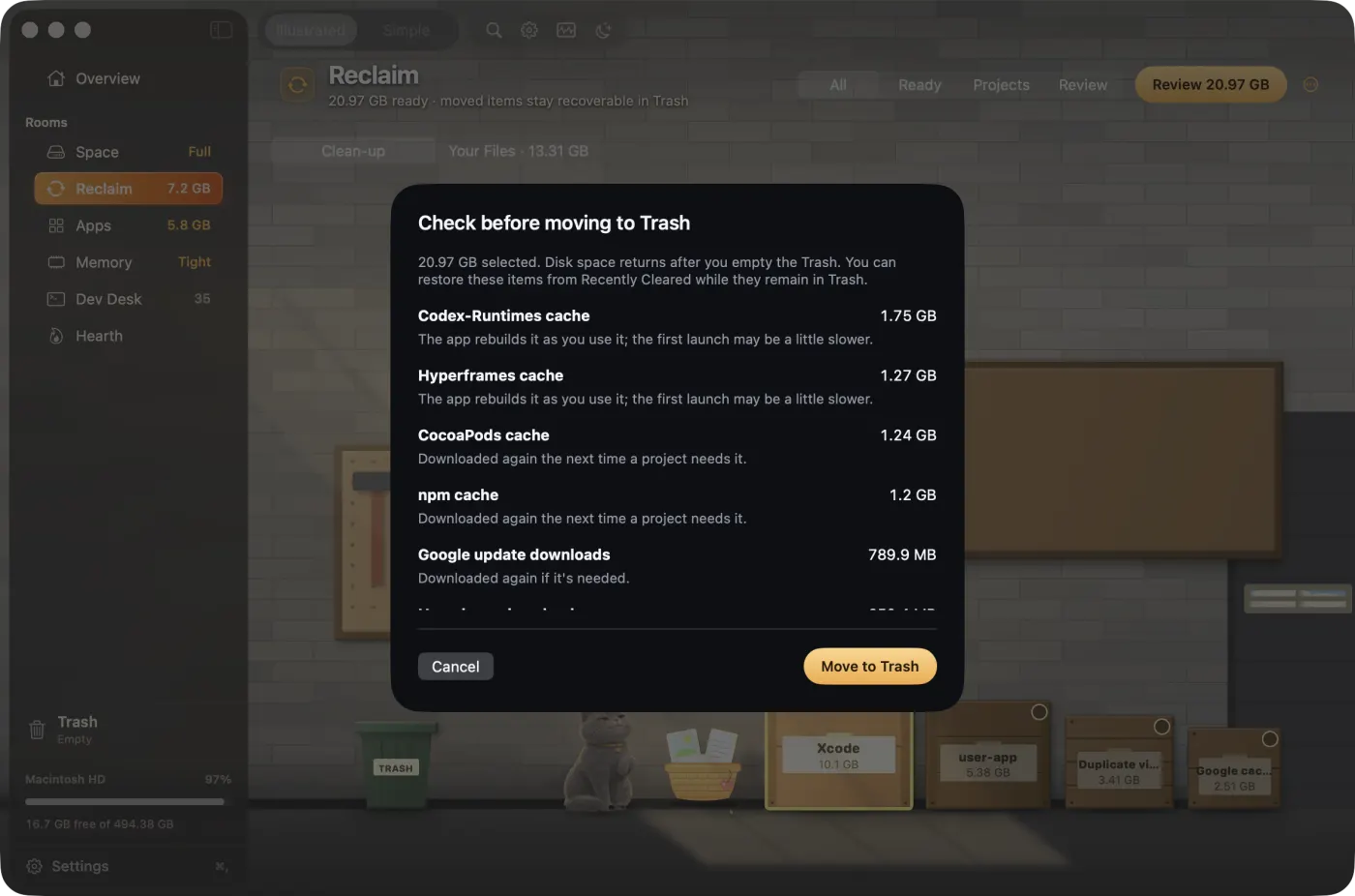
Clean House shows each part of ~/.codex with its own verdict, so the cache shows as safe and sessions show as Look first. Nothing gets deleted outright. It all goes to the Trash.